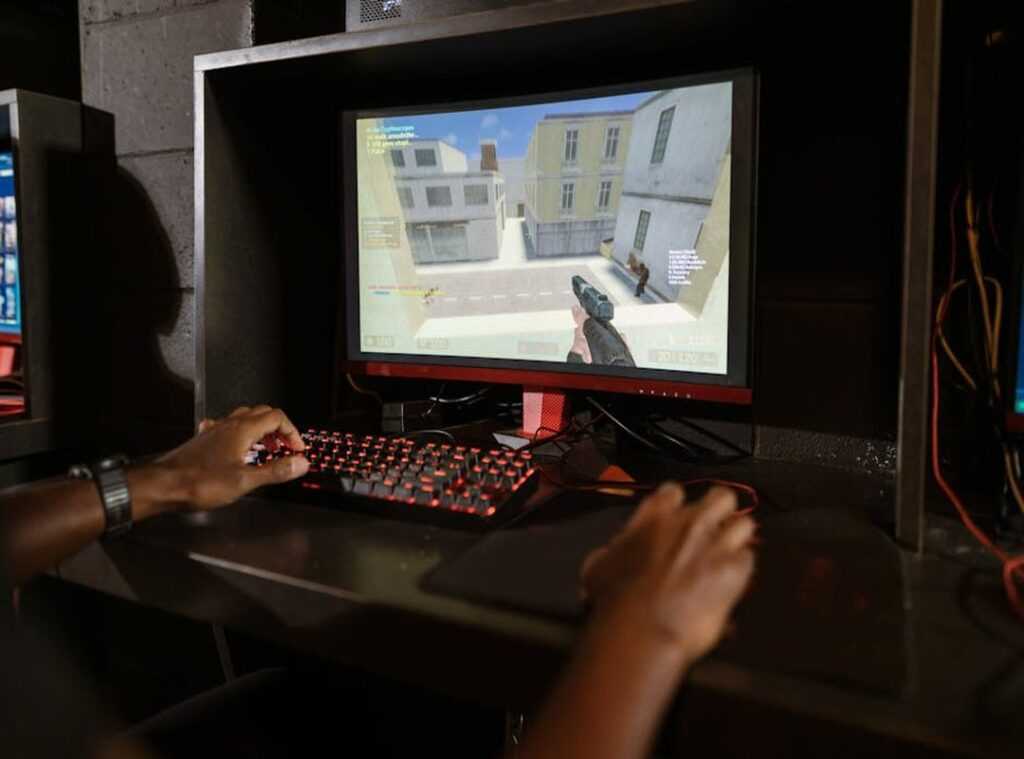
If you’re searching for a clear, no-nonsense mechanical keyboard switches guide, you’re probably trying to figure out which switch actually fits your playstyle, typing habits, or gaming setup. With so many options—linear, tactile, clicky, different actuation forces, travel distances, and materials—it’s easy to get overwhelmed and end up with a keyboard that doesn’t feel quite right.
This article is built to solve that problem. We break down how each switch type performs in real gaming scenarios, how actuation and reset points impact reaction time, and what matters most for comfort during long sessions. Instead of repeating marketing specs, we analyze switch mechanics, community-tested feedback, and performance benchmarks to give you practical, experience-backed insights.
By the end, you’ll understand exactly how different switches affect speed, accuracy, sound, and feel—so you can choose with confidence, whether you’re optimizing for competitive esports or building the perfect everyday setup.
Feel Over Specs
Choosing a switch isn’t about specs—it’s about sensation. While reviews obsess over actuation force (the pressure needed to register a keypress) and travel distance (how far the key moves), few explain real-world impact. So, let’s simplify.
- Linear: smooth, consistent press—ideal for rapid double-taps in FPS titles.
- Tactile: noticeable bump mid-press—great for confident typing without bottoming out.
- Clicky: tactile plus audible click—satisfying, if your roommates agree.
However, here’s the edge: match switches to finger fatigue and desk acoustics (yes, desk changes sound). That’s gap guides miss—even this mechanical keyboard switches guide won’t mention it.
The Three Core Switch Personalities: Linear, Tactile, and Clicky
Nearly all mechanical keyboard switches fall into three core personalities. Think of them less like hardware and more like playstyles.
- Linear Switches
- Tactile Switches
- Clicky Switches
Each offers a distinct feel, sound, and performance trade-off.
Linear switches travel straight down with no bump and no click. The motion is smooth from top to bottom, like pressing a piano key. Because there’s no tactile interruption, many competitive gamers prefer them for rapid double-taps and quick strafing. Cherry MX Red and Gateron Yellow are popular examples. Some critics argue linears feel “too soft” or even “mushy,” claiming the lack of feedback leads to typing mistakes. That can be true for heavy typists. But for fast-paced FPS or rhythm games, fewer tactile barriers often mean faster actuation (the point where a keypress registers) and cleaner inputs.
Tactile switches introduce a noticeable bump midway through the press. That bump signals actuation without requiring you to bottom out (press the key fully down). This can reduce finger fatigue over long sessions. Opponents say the bump slows them down in competitive play. Yet many players and writers prefer the balance—feedback without the noise. It’s the “Swiss Army knife” of switches (not flashy, but dependable).
Clicky switches add an audible click alongside the tactile bump. Think classic typewriter energy. The sound confirms each keystroke, which many find deeply satisfying. However, they can be disruptive in shared spaces or on live streams. As research from the Acoustical Society of America notes, repetitive high-frequency sounds can increase perceived annoyance in office settings (ASA, 2014).
If you’re unsure which fits your style, consult a mechanical keyboard switches guide and test samples when possible. Pro tip: your environment matters as much as your preference.
Beyond the Basics: Specs That Define Your Feel
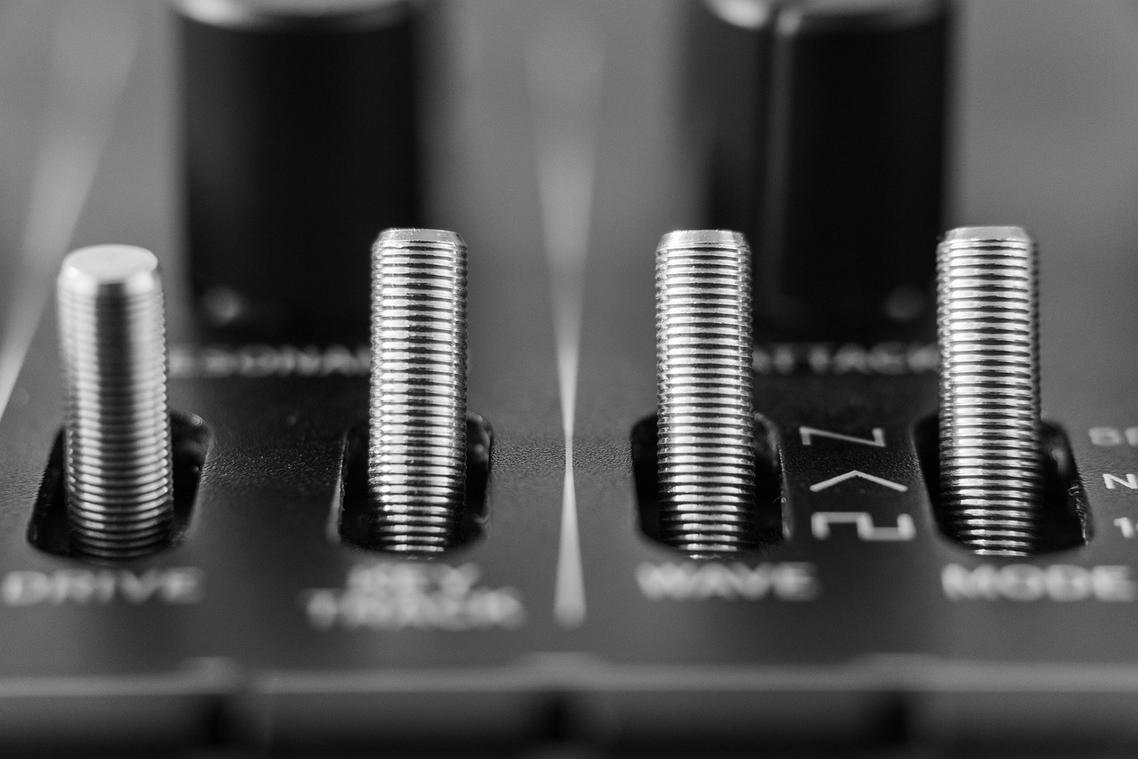
Understanding switch types is helpful—but it’s only the beginning. To really dial in your typing or gaming experience, you need to understand the specs that shape how a keyboard feels under your fingers. Let’s break this down clearly.
First, Actuation Force refers to how much pressure (measured in grams, or g) is required to register a keypress. In simple terms, it’s how hard you need to press. Lighter switches (around 45g) feel effortless and can reduce finger fatigue during long sessions. Heavier switches (60g or more) require intentional force, which helps prevent accidental presses (especially useful if you tend to “rest” your fingers on keys).
Next, Actuation Point is the distance a key travels before the input registers, measured in millimeters (mm). Standard switches actuate at about 2mm. However, so-called “Speed” switches activate closer to 1.2mm. That shorter distance can translate to faster inputs in competitive games—though some argue the real-world difference is minimal unless you’re playing at a high level. Both perspectives are fair; context matters.
Then there’s Total Travel Distance, meaning how far the key moves before it bottoms out. Shorter travel can feel snappy. Longer travel feels more traditional and deliberate (think classic mechanical boards from the early PC era).
To simplify, here’s what these specs influence:
- Lighter force = less fatigue, faster repeated presses
- Shorter actuation = quicker response time
- Longer travel = fuller, more substantial feel
If you’re still unsure, a good mechanical keyboard switches guide can help you compare combinations. And remember, optimizing input speed works hand-in-hand with display performance—just like when you’re choosing the right gaming monitor refresh rate vs resolution.
Matching Your Switch to Your Main Game
Choosing the right keyboard switch isn’t just a preference—it’s a performance upgrade. The feel under your fingertips can directly impact reaction time, accuracy, and even long-session comfort. (Yes, your keyboard can absolutely be a competitive advantage.)
Let’s break it down by genre so you get the most value out of every keypress.
For FPS & Action Gamers (CS:GO, Valorant, Apex Legends):
Linear switches are king. Their smooth, uninterrupted travel means no tactile bump slowing you down during strafes, bunny hops, or frantic weapon swaps. The benefit? Faster double-taps, cleaner movement inputs, and fewer micro-delays when milliseconds matter. Some players argue tactile feedback improves control—but in high-speed shooters, friction is the enemy.
For MMO & RTS Gamers (WoW, StarCraft, League of Legends):
Tactile switches shine here. That subtle bump confirms an ability activation without needing to bottom out the key. In complex rotations or high-stakes team fights, confirmation equals confidence. You reduce misclicks and improve consistency—huge advantages in games where APM (actions per minute) defines performance (Blizzard Esports data consistently highlights elite APM ranges).
For Hybrid Gamers & Typists:
Tactile switches often deliver the best balance. You gain:
- Improved typing accuracy
- Reliable in-game responsiveness
- Reduced fatigue during long sessions
If you love audible feedback and noise isn’t an issue, clicky switches can feel incredibly satisfying (think old-school arcade vibes).
Still unsure? A good mechanical keyboard switches guide can help you compare actuation force, travel distance, and sound profile. The right switch doesn’t just feel better—it helps you play better.
You’re no longer guessing. You understand how linear switches glide, how tactile bumps guide, and how clicky feedback confirms every press. That clarity saves time, money, and frustration. The real win? You can choose with confidence. Match smooth speed for gaming, tactile precision for coding, or audible clicks for pure typing joy. Follow this mechanical keyboard switches guide, then test a few in person. Hands-on testing turns knowledge into muscle memory. (Pro tip: bring notes.) Your payoff is a keyboard that feels custom-built for you. That’s how gear becomes a competitive edge. And everyday tasks feel effortlessly satisfying. Too.
Level Up Your Setup with the Right Switch
You came here to cut through the noise and finally understand which switches actually fit your playstyle. Now you know how actuation force, tactile feedback, and sound profiles directly impact your reaction time, comfort, and long-term performance.
Choosing the wrong switch can mean missed inputs, finger fatigue, and a setup that never feels quite right. But with the insights from this mechanical keyboard switches guide, you’re no longer guessing—you’re making an informed decision based on how you game and type.
The next move is simple: evaluate your current keyboard, identify what’s holding you back, and choose a switch that matches your speed, precision, and endurance needs. If you’re serious about optimizing your gear, don’t settle for “good enough.” Explore top-rated switch options, compare real performance data, and upgrade to a setup trusted by competitive players and hardcore enthusiasts alike.
Your gameplay deserves precision. Make the switch—literally—and feel the difference in every press.
 Lead Gaming Analyst & Content Strategist
Ask Williem Puckettiero how they got into scookie gaming mechanics deep dive and you'll probably get a longer answer than you expected. The short version: Williem started doing it, got genuinely hooked, and at some point realized they had accumulated enough hard-won knowledge that it would be a waste not to share it. So they started writing.
What makes Williem worth reading is that they skips the obvious stuff. Nobody needs another surface-level take on Scookie Gaming Mechanics Deep Dive, Insider Knowledge, Gamer Gear Optimization Tips. What readers actually want is the nuance — the part that only becomes clear after you've made a few mistakes and figured out why. That's the territory Williem operates in. The writing is direct, occasionally blunt, and always built around what's actually true rather than what sounds good in an article. They has little patience for filler, which means they's pieces tend to be denser with real information than the average post on the same subject.
Williem doesn't write to impress anyone. They writes because they has things to say that they genuinely thinks people should hear. That motivation — basic as it sounds — produces something noticeably different from content written for clicks or word count. Readers pick up on it. The comments on Williem's work tend to reflect that.
Lead Gaming Analyst & Content Strategist
Ask Williem Puckettiero how they got into scookie gaming mechanics deep dive and you'll probably get a longer answer than you expected. The short version: Williem started doing it, got genuinely hooked, and at some point realized they had accumulated enough hard-won knowledge that it would be a waste not to share it. So they started writing.
What makes Williem worth reading is that they skips the obvious stuff. Nobody needs another surface-level take on Scookie Gaming Mechanics Deep Dive, Insider Knowledge, Gamer Gear Optimization Tips. What readers actually want is the nuance — the part that only becomes clear after you've made a few mistakes and figured out why. That's the territory Williem operates in. The writing is direct, occasionally blunt, and always built around what's actually true rather than what sounds good in an article. They has little patience for filler, which means they's pieces tend to be denser with real information than the average post on the same subject.
Williem doesn't write to impress anyone. They writes because they has things to say that they genuinely thinks people should hear. That motivation — basic as it sounds — produces something noticeably different from content written for clicks or word count. Readers pick up on it. The comments on Williem's work tend to reflect that.