
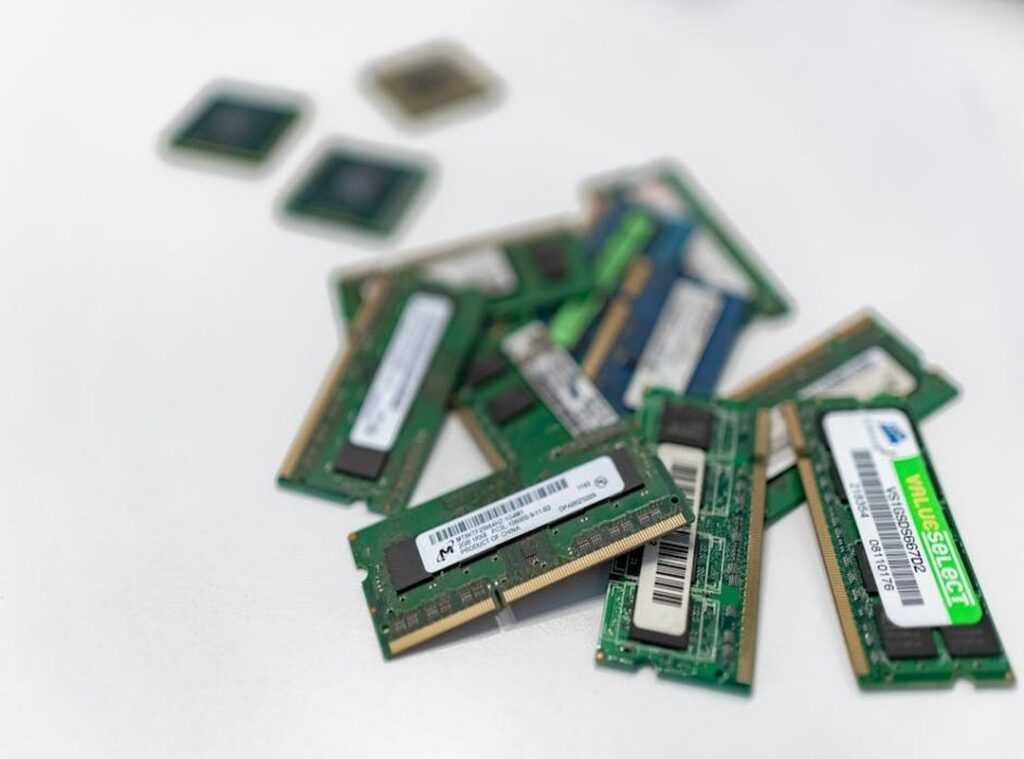
Feeling like your gaming experience is lagging? You’re not alone. I’ve been there too, staring at a screen that just can’t keep up. Upgrading graphics card can seem daunting, but it’s the game-changer you need.
Trust me, I’ve spent countless hours tinkering and testing to get that edge.
Is your frame rate dropping when the action heats up? a new graphics card steps in, transforming your gameplay from frustrating to flawless. But, let’s face it, the process is a maze of jargon and specs. Ever wonder which card fits your rig or if it’s even worth it?
We’ll tackle those questions head-on, no fluff.
You’ll get the lowdown on what to buy and why it matters. I’ve gathered takeaways from top gamers and tech enthusiasts to guide you through every step. By the end, you’ll know exactly what to do to level up your gaming setup.
Ready to dive in? Let’s upgrade.
The Foundation: Important Software & System Tweaks
You know what’s often overlooked? Software tweaks. People talk about upgrading graphics cards like it’s the holy grail, but sometimes the real magic is in the software.
Take updating your GPU drivers, for example. It’s not just about clicking “update.” I recommend using DDU (Display Driver Uninstaller) to scrub the old files. It clears out the gunk that can cause conflicts.
Trust me, your system will thank you.
Let’s talk about Windows optimizations next. Game Mode is more than a fancy switch. It prioritizes CPU and GPU resources for gaming tasks.
Ever notice how your system slows down when a million apps start at boot? Disabling unnecessary startup applications can give you a noticeable performance boost. And don’t forget to set your Power Plan to Ultimate Performance.
It unlocks your hardware’s potential, letting it run at full throttle.
But what about in-game settings? They can be a minefield. Shadows, Anti-Aliasing, Volumetric Fog (each) setting can tank your frame rate if not dialed in right.
I always say, “Balance visual fidelity with performance.” Use a popular game like ‘Baldur’s Gate 3’ as your testing ground. Tweak these settings to see what your system can handle.
And hey, if you’re diving deep into gaming setups, an ultimate gaming audio setup can raise the experience. Audio can be just as key as graphics for immersion.
Remember, the biggest gains often come from these simple software fixes, not just the flashy hardware changes. So, before you break the bank on new gear, try these tweaks first. They’re easy, effective, and often overlooked.
Why make things harder when the simpler solution is staring you in the face?
Master Your GPU: Control Panels Unlocked
Getting the most out of your graphics card feels like cracking open a secret club. NVIDIA Control Panel and AMD Radeon Software? They’re your backdoor passes.
For NVIDIA users, to the Manage 3D Settings. The Power management mode is key. Set it to “Prefer maximum performance” to stop the card from taking coffee breaks.
It keeps your game running smooth. Then there’s the Low Latency Mode. Setting it to “Ultra” minimizes lag.
Like getting rid of that annoying delay between your brain and the screen. And don’t sleep on Texture filtering – Quality. Set to “High performance”, it keeps the visuals crisp without eating up valuable FPS.
AMD folks, you’re not left out. Radeon Software has some tricks up its sleeve. First, the Radeon Anti-Lag.
It’s like caffeine for your reflexes, reducing the time between your input and the resulting action. Next, Radeon Boost is practically magic. When things get hectic, it lowers resolution just a bit during fast motion.
The outcome? A smoother frame rate when it matters most. And don’t forget Radeon Image Sharpening.
It lets you drop settings a tad without making the image look like it was made out of Legos.
Here’s the kicker. Test each change. Every system is different, and what works wonders for me might not be your jam.
Your system and favorite games deserve a personal touch.
But if you think maybe it’s time for something more than just tweaking. Like upgrading (then) check out this upgrading graphics card link. It’s a must if you’re on the edge of your system’s capabilities and need a full-scale upgrade.
Don’t just change settings. Explore them. Experiment.
Maybe even master them. You’ll thank yourself.
The Next Level: A Safe & Simple Guide to Overclocking
Overclocking is like finding free horsepower under your car’s hood. Manufacturers leave performance on the table for stability. Why not grab it?

I hear you thinking: “But isn’t it dangerous?” Modern tools like MSI Afterburner have safety limits built-in. They’re not going to let you melt your GPU (unless you’re trying to break records, which we’re not doing here).
Let’s break it down. Core Clock is your engine speed. Memory Clock is data speed.
Power Limit is the fuel. Think of it like a car tuning analogy. Simple, right?
Here’s a safe, step-by-step process to get you started.
- Max out the Power and Temp Limit sliders. It’s like opening the throttle.
2.
Increase Core Clock by +20MHz.
- Run a benchmark, like Unigine Heaven, for 5 minutes. Test stability.
4.
Keep going until it crashes. Then dial it back to the last stable setting.
- Do the same for Memory Clock.
Remember, monitoring GPU temperature is key. Keep an eye on it like a hawk. It’s the number one rule of safe overclocking.
You don’t want to fry your card when you’re just trying to upgrade its performance.
Thinking about upgrading graphics card performance can feel daunting, but with the right tools and steps, it’s accessible. Speaking of tools, check out how Tools Customizing Gaming Keyboard can boost your setup. A little tweak here and there, and you’re on your way to a smoother gaming experience.
It’s all about precision and patience.
Beyond Software: Your PC’s Physical Health & Bottlenecks
Ever heard of thermal throttling? It’s when your GPU gets so hot, it slows down to avoid frying itself. Annoying, right?
It’s like your computer’s way of taking a break when things get too heated. So, what can you do?
Start with some basic maintenance. Dust is your enemy here. Use compressed air to clean your GPU fans and heatsinks (but don’t go wild and break something).
And don’t underestimate the power of airflow. More intake fans than exhaust can make all the difference. Seriously, do it.
But wait, there’s more. You could be facing a system bottleneck. Even after tweaking your software, a slow CPU or not enough RAM can keep your GPU from reaching its full potential.
You might think upgrading graphics card is the solution, but sometimes it’s not that simple.
Want to diagnose the issue? Use an on-screen display while gaming to keep an eye on GPU and CPU usage. If your GPU isn’t hitting 95% usage while one CPU core is maxed out, congratulations, you’ve found a CPU bottleneck.
It’s like trying to run a marathon in flip-flops (not) gonna happen smoothly.
Got it? Good. Now get to work.
Ready to Level Up Your Gameplay?
You’ve got the tools now. From tweaking driver settings to mastering the art of overclocking, your gaming rig is ready for prime time. No more settling for lag and stutters.
You’ve taken the reins (about time, right?) and transformed your setup. Control is in your hands. The performance you deserve is just a click away.
Ready for a real change? Upgrading graphics card was wise, but using it to its full potential is even wiser. Launch your most demanding game now. Feel the difference.
Don’t wait for another mishap. Dive in, and experience the game like never before.
 Esports & Community Insights Editor
Karins Langisonz has opinions about scookie gaming mechanics deep dive. Informed ones, backed by real experience — but opinions nonetheless, and they doesn't try to disguise them as neutral observation. They thinks a lot of what gets written about Scookie Gaming Mechanics Deep Dive, Geek-Level Gaming Strategies, Gamer Gear Optimization Tips is either too cautious to be useful or too confident to be credible, and they's work tends to sit deliberately in the space between those two failure modes.
Reading Karins's pieces, you get the sense of someone who has thought about this stuff seriously and arrived at actual conclusions — not just collected a range of perspectives and declined to pick one. That can be uncomfortable when they lands on something you disagree with. It's also why the writing is worth engaging with. Karins isn't interested in telling people what they want to hear. They is interested in telling them what they actually thinks, with enough reasoning behind it that you can push back if you want to. That kind of intellectual honesty is rarer than it should be.
What Karins is best at is the moment when a familiar topic reveals something unexpected — when the conventional wisdom turns out to be slightly off, or when a small shift in framing changes everything. They finds those moments consistently, which is why they's work tends to generate real discussion rather than just passive agreement.
Esports & Community Insights Editor
Karins Langisonz has opinions about scookie gaming mechanics deep dive. Informed ones, backed by real experience — but opinions nonetheless, and they doesn't try to disguise them as neutral observation. They thinks a lot of what gets written about Scookie Gaming Mechanics Deep Dive, Geek-Level Gaming Strategies, Gamer Gear Optimization Tips is either too cautious to be useful or too confident to be credible, and they's work tends to sit deliberately in the space between those two failure modes.
Reading Karins's pieces, you get the sense of someone who has thought about this stuff seriously and arrived at actual conclusions — not just collected a range of perspectives and declined to pick one. That can be uncomfortable when they lands on something you disagree with. It's also why the writing is worth engaging with. Karins isn't interested in telling people what they want to hear. They is interested in telling them what they actually thinks, with enough reasoning behind it that you can push back if you want to. That kind of intellectual honesty is rarer than it should be.
What Karins is best at is the moment when a familiar topic reveals something unexpected — when the conventional wisdom turns out to be slightly off, or when a small shift in framing changes everything. They finds those moments consistently, which is why they's work tends to generate real discussion rather than just passive agreement.